
Openwork™ is an open source AI desktop agent that reads your files, creates documents, and automates repetitive knowledge work—using your own API keys (xAI, OpenAI, Anthropic Claude, Google Gemini) or local models via Ollama.
You're on the list!
We'll keep you posted.
Something went wrong









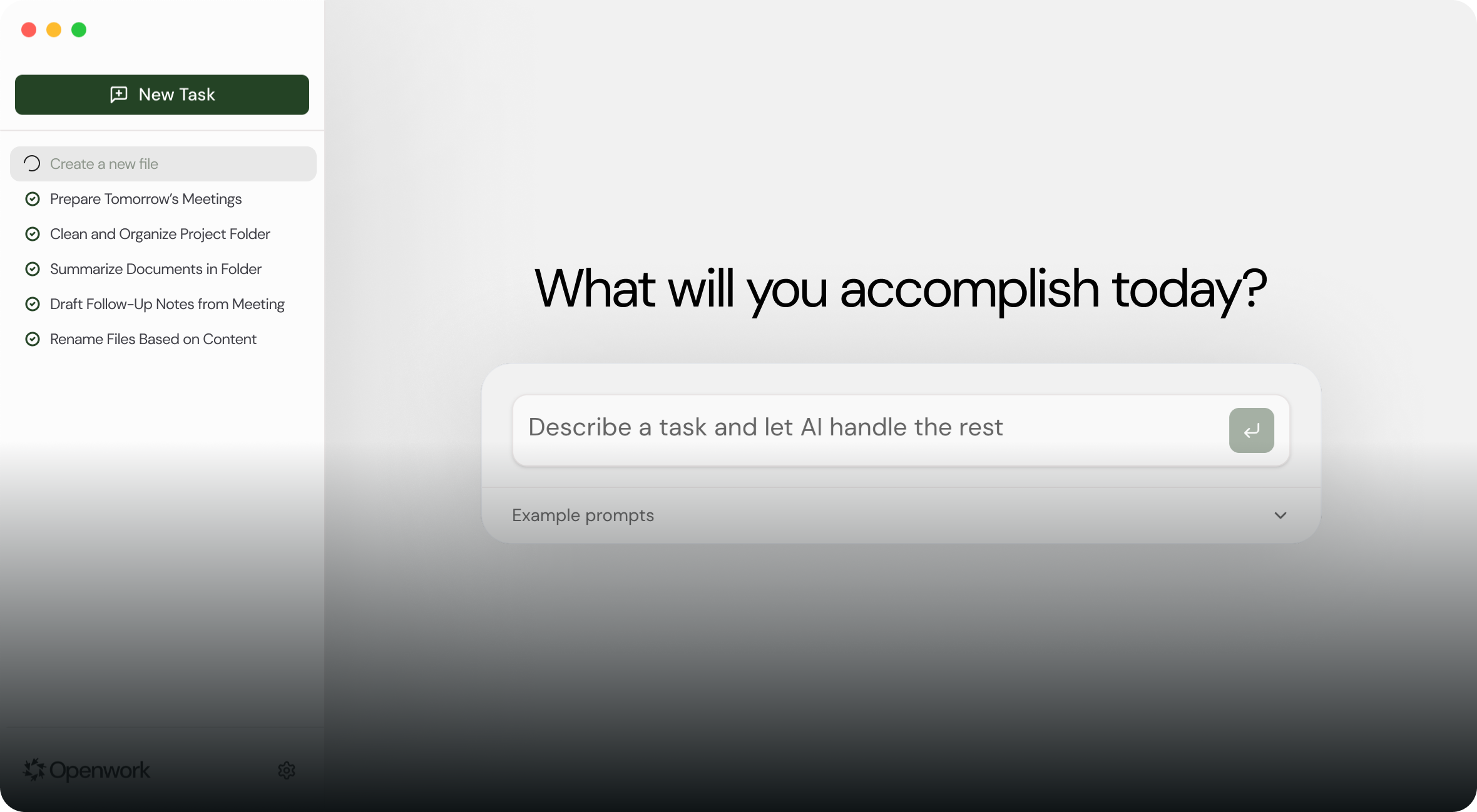
Openwork™ is an AI computer-use agent that runs on your computer. You can ask it to perform any browsing task, rename and organize files based on their contents, generate or rewrite documents, or scan a folder and summarize what's inside. It can also create calendar entries from meeting notes, draft follow-up documents, or prepare a folder for a project by setting up files and structure. Nothing leaves your machine unless you allow it, and every action is shown and approved before it runs.
Takes 2 minutes to set up.
Download the DMG and drag it into Applications.
Use your own xAI, OpenAI, or Anthropic API key. No subscriptions.
Choose which folders it can see. You stay in control.
Ask it to summarize a doc, clean a folder, or create a report. You approve everything.
Everyone with a pulse
Yes, Openwork is 100% free and open source under the MIT license. You only pay for your own AI API usage (xAI, OpenAI, Anthropic, etc.) or run it completely free with Ollama using local models.
No. Openwork runs entirely on your local machine. Your files never leave your computer. The only external communication is with your chosen AI provider (xAI, OpenAI, Anthropic, etc.) using your own API key.
Openwork supports xAI (Grok), OpenAI (GPT 5), Anthropic (Claude), Google (Gemini), and local models via Ollama. You bring your own API key and choose which model to use.
Currently, Openwork is available for macOS (Apple Silicon). Windows support is on our roadmap and coming soon. Star the GitHub repo to get notified when it's ready.
Absolutely. Openwork is open source under the MIT license. You can fork it, modify it, build on top of it, or contribute back to the project. Check out our GitHub repository to get started.